
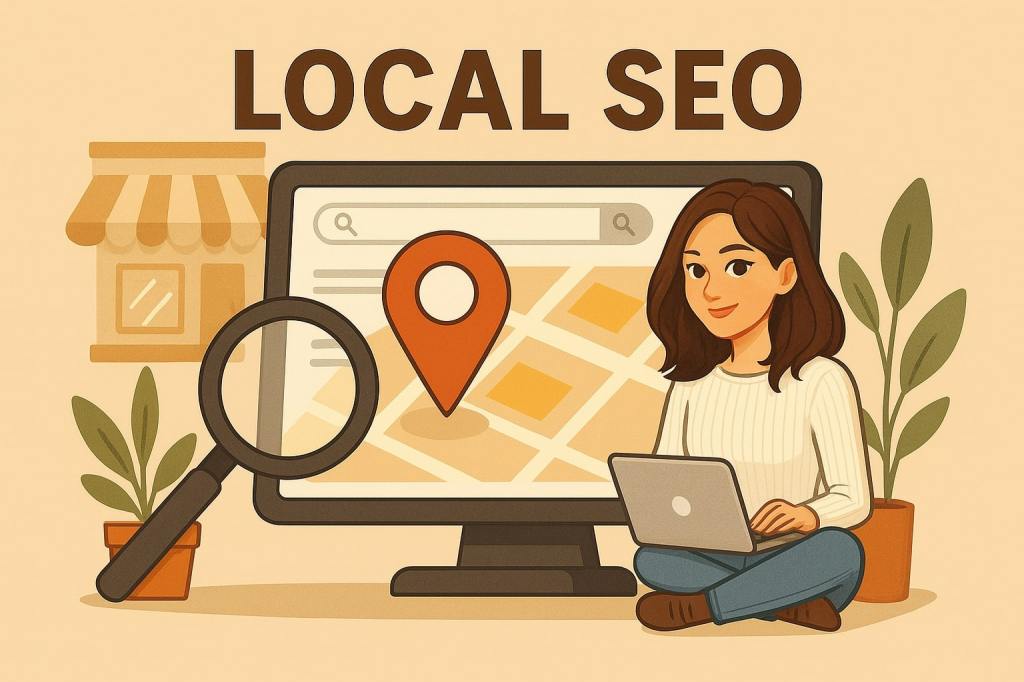
Today, having a website or social media pages is not enough for a business to be visible online. Especially for small businesses, it’s crucial to appear when customers search within their location. People often search for services near them. For example: best coffee shop in Dublin 8, cheapest dry cleaning near me, plumber near me… This is where Local SEO comes in.
If you run a small business and don’t have a big SEO budget, don’t worry. There are many effective and free tools you can use to improve your visibility on search engines. In this article, I have explained 7 free SEO tools that every small business should know in 2025, along with how to use them step by step.
1. Google Business Profile
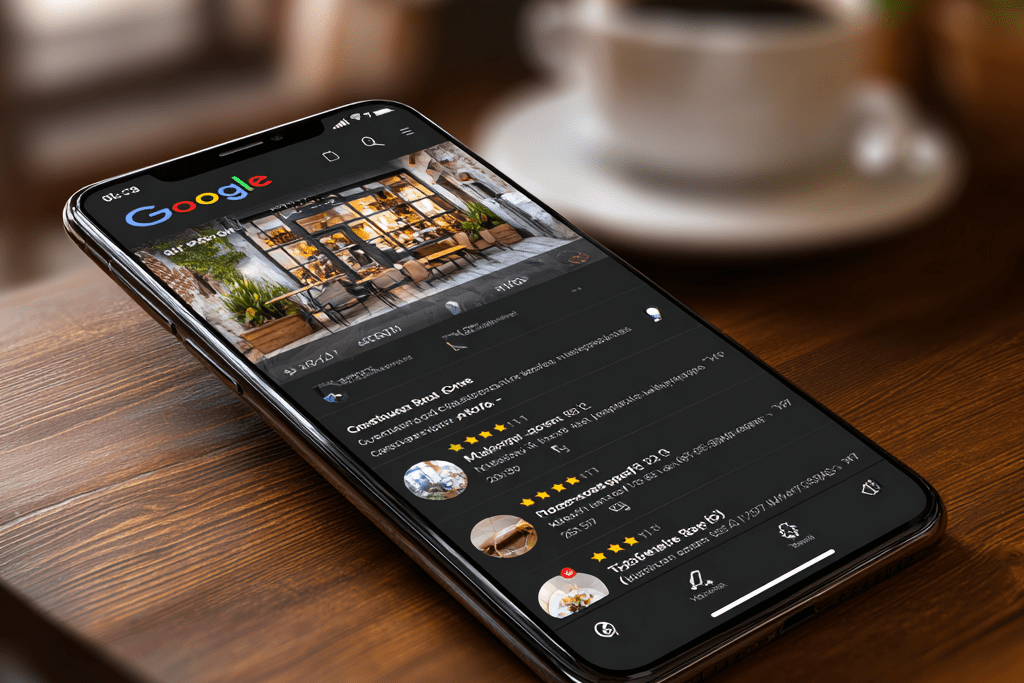
A free tool by Google that allows your business to appear on Maps and in local search results.
🎯 What does it do?
- Manage your business name, address, phone number, and working hours.
- Reply to customer reviews to build your reputation.
- Share photos and posts to increase engagement.
💡 Example:
You own a cafe. By adding your menu photos and opening hours on Google Business Profile, customers searching for “breakfast places near me” will see you higher in the results.
2. Google Search Console
A free SEO tool to analyse your website’s visibility on Google.
🎯 What does it do?
- Shows which keywords people use to find your website.
- Checks your site speed and mobile usability.
- Reports technical errors and crawling issues.
💡 Example:
You own a hair salon. Google Search Console shows how your website ranks for “Dublin women’s haircut” and how many clicks you get, so you know which keywords to focus on.
3. Moz Local Check Business Listing
Checks your business information consistency across different directories (online listings)
🎯 What does it do?
- Detects missing or incorrect information.
- Ensures your name, address, and phone number (NAP) are consistent everywhere.
💡 Example:
You run a dental clinic. Moz Local shows if your phone number is different on Yelp and Bing Places and guides you to correct it. Consistency is critical for ranking in Google.
4. BrightLocal Local Search Results Checker
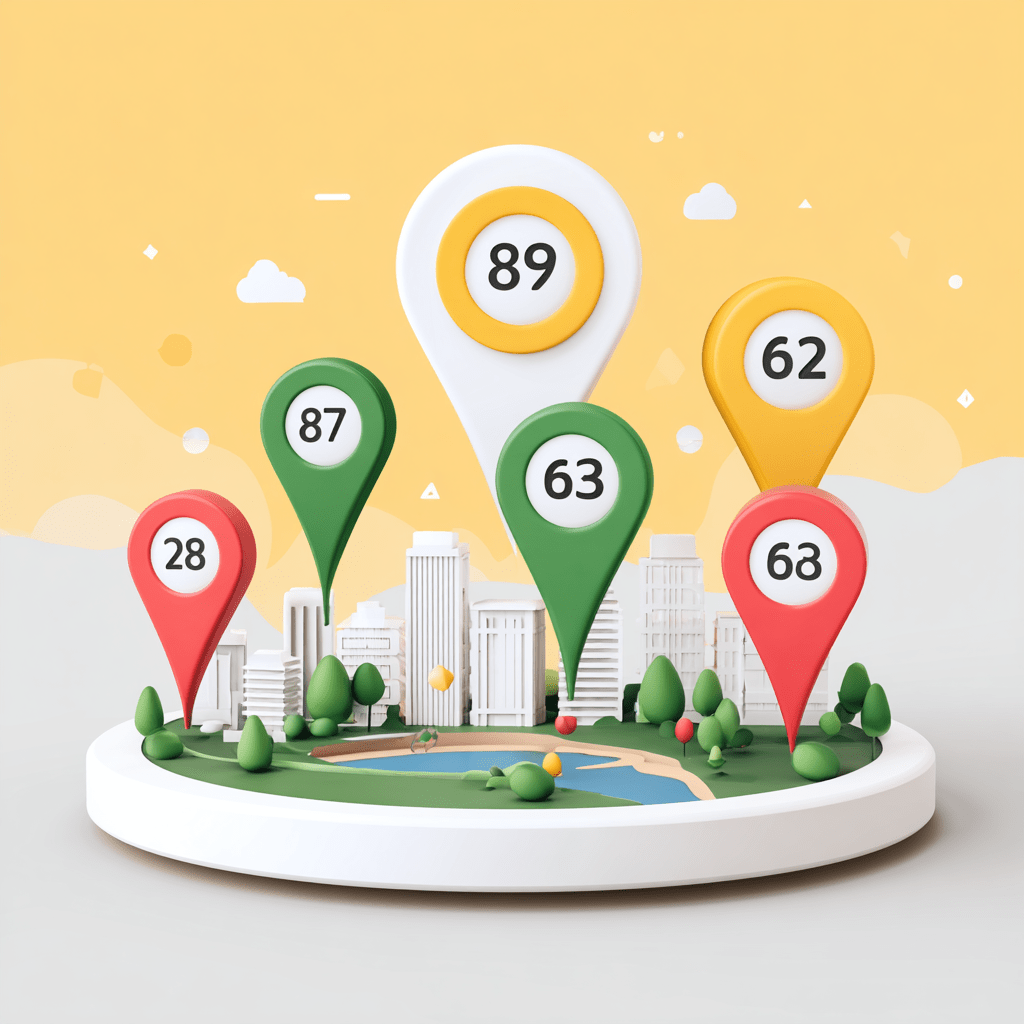
Shows how your business ranks in Google from different locations
🎯 What does it do?
- For example, you can see how customers searching from Cork (instead of Dublin) see your business in the results.
💡 Example:
You have a yoga studio. BrightLocal lets you check how you rank in Galway, helping you create targeted SEO strategies for that region.
5. Whitespark Local Citation Finder
Shows all the directories (citations) where your business is listed and finds new opportunities
🎯 What does it do?
- Shows directories where your competitors are listed so you can add your business there too.
💡 Example:
You own a cleaning company. Whitespark shows the directories where your competitors are listed. You can add your business to those sites to strengthen your local authority.
6. Yext Scan
A free tool that scans your business information across online platforms for accuracy.
🎯 What does it do?
- Detects incorrect or outdated information.
- Shows which directories you are missing from.
💡 Example:
You own a restaurant. Yext Scan detects that your opening hours on Tripadvisor are outdated. Updating it ensures customers don’t think you’re closed and choose another place.
7. Ubersuggest
A popular keyword research and SEO analysis tool developed by Neil Patel.
🎯 What does it do?
- Generates local keyword ideas.
- Analyses your competitors.
- Checks your website’s SEO health.
💡 Example:
You run a bakery. Ubersuggest shows high-volume keywords like “Dublin gluten free cake”. You can use these keywords to create blog posts or dedicated pages on your website.
🎯 Conclusion
With these 7 free tools, you can strengthen your website, optimize your content, and increase your visibility on Google without needing to hire a professional SEO consultant.
👉 Want to improve your Local SEO strategy? Don’t miss my upcoming guide on “Local SEO Blog Content Optimization”.
 Digital Ceren
Leave a comment